
Overview
The Rush University website has multiple menus that enable visitors to navigate the site and locate information.
Most of these menus have been developed according to user research and UX principles, and their content stays the same on every page of the site. These menus cannot be edited by content editors.
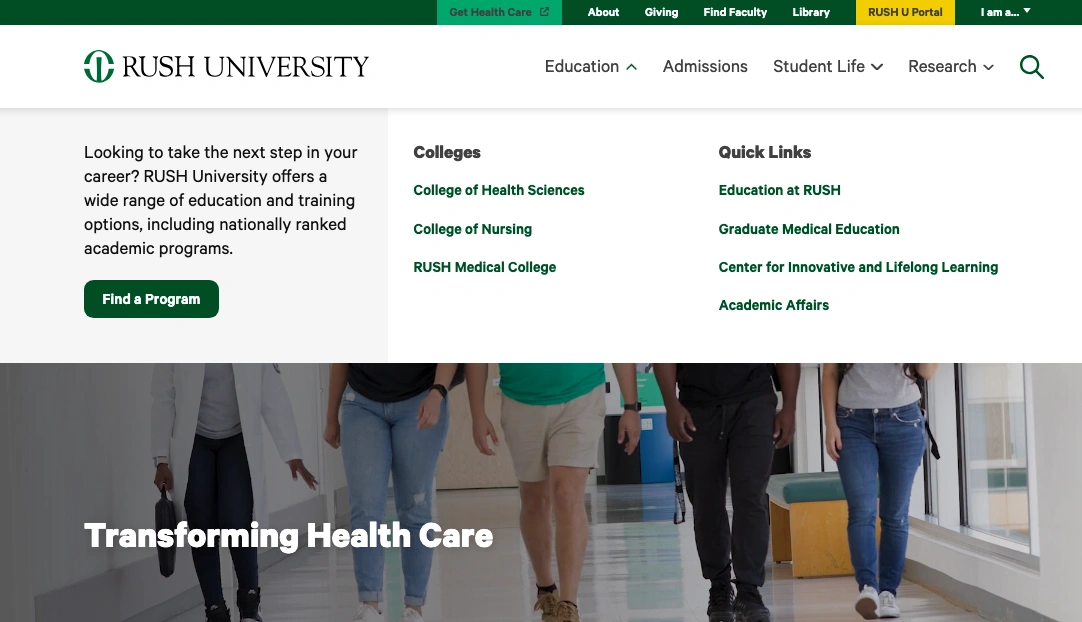
The header of the website contains multiple menus, which appear on every page and cannot be changed by content editors.

The footer menu of the website also appears on every page and cannot be changed by content editors.
Sidebar menu
On most pages of the website, a menu appears that enables visitors to navigate between pages within that content section.

On desktop and laptop devices, this menu appears in a column at the left side of the page, so it is referred to as the sidebar menu.
When you create or rename a page, this sidebar menu will update automatically.
This automatic menu is a new function on the Rush University website. Training on how to add your new pages to the menu will be shared with editors soon!
If you would like to request a change to any of these menus, please contact the website administrator.